Backyard Beats Without the Headaches
Backyard parties in Austin are some of the best parts of summer. Pool days, July 4th cookouts, graduation celebrations, and chill neighborhood BBQs all feel better with music. Many hosts think a Spotify playlist on a phone and a couple of rented speakers are all they need.
Then the weird stuff starts. A loud hum in the background, Bluetooth cutting in and out, music that is way too quiet, a screeching mic that makes everyone jump, and neighbors sending texts about the noise. The good news is that many of these problems come from the same simple causes and can be reduced or stopped with a few smart moves.
In this guide, we are walking through common DIY DJ issues at Austin backyard parties, how to quickly check what is going wrong, and how to tell when it is time to let professional mobile DJs in Austin handle the sound so you can actually relax and enjoy your own event.
Silencing Hums, Buzzes, and Other Weird Noises
That low hum or buzzing sound can ruin the mood faster than a bad song choice. Outside, it often comes from how things are plugged in and connected, not from the speaker being "bad."
Typical noise triggers include:
- Loose or half-plugged audio cables
- Unbalanced, old, or damaged cables
- Cheap or overloaded extension cords and power strips
- Gear plugged into outlets on different circuits, which can cause ground-loop noise
When you hear a buzz, slow down and work through some quick checks instead of yanking cables at random. Start simple and move step by step.
Try this basic process:
- Push every cable in firmly at both ends
- Keep audio cables away from power cords when you can
- Plug all audio gear into the same outlet or power strip if possible
- Turn off or unplug one piece of gear at a time, then listen for the hum
If the noise stops when one item is unplugged, that piece or that cord is likely part of the problem. Swap cables if you have extras, and avoid daisy-chaining long runs of extension cords, which can add noise and make things less safe.
For prevention, use grounded outlets, quality surge protectors, and keep drinks and pool water far away from power and cable connections. Professional mobile DJs in Austin are used to outdoor power issues and often carry special tools and backup cables that can clear up noise in a few minutes.
Beating Bluetooth Dropouts and Streaming Glitches
Bluetooth sounds easy for backyard parties, but it often acts up at the worst times. Outdoors, there are fewer walls, but there are more people moving around, more phones, and more Wi-Fi signals fighting for space.
Bluetooth commonly struggles when:
- The phone is more than 10 to 15 feet from the speaker
- People stand right between the phone and the receiver
- Multiple Bluetooth devices are paired and fighting for control
- The music phone is overheating in the sun
To help your connection stay steady, keep the music device close to the speaker, in clear sight. Set it on a small table or stand, not in a pocket or under a towel. Turn off Bluetooth on other devices you are not using so they do not get in the way. Download the main playlists to your phone so the music does not depend on spotty backyard Wi-Fi.
For important events, it is usually better to go wired for your main music feed. Use an aux cable from your phone or laptop straight into the mixer or powered speaker, and treat Bluetooth as backup only. Many professional mobile DJs in Austin skip Bluetooth for main audio and rely on wired connections and pro wireless systems that are built for reliability.
Fixing Low Volume Without Blowing Speakers
Sometimes guests say, "I cannot hear the music," even when the volume knob is cranked. That does not always mean you need more speakers. It can mean the sound is aimed the wrong way or the levels are not set well.
Check for simple issues like:
- The phone or laptop volume is too low, even if the speaker is high
- Speakers are pointed out into an empty yard, not toward people
- Noise from pools, grills, or traffic is drowning things out
A basic gain setup can help. Turn your phone or laptop volume up to around 80 or 90 percent, not all the way. Then bring up the speaker or mixer volume until it is loud enough without any nasty distortion or red "clip" lights. If red lights flash often, the system is being pushed too hard.
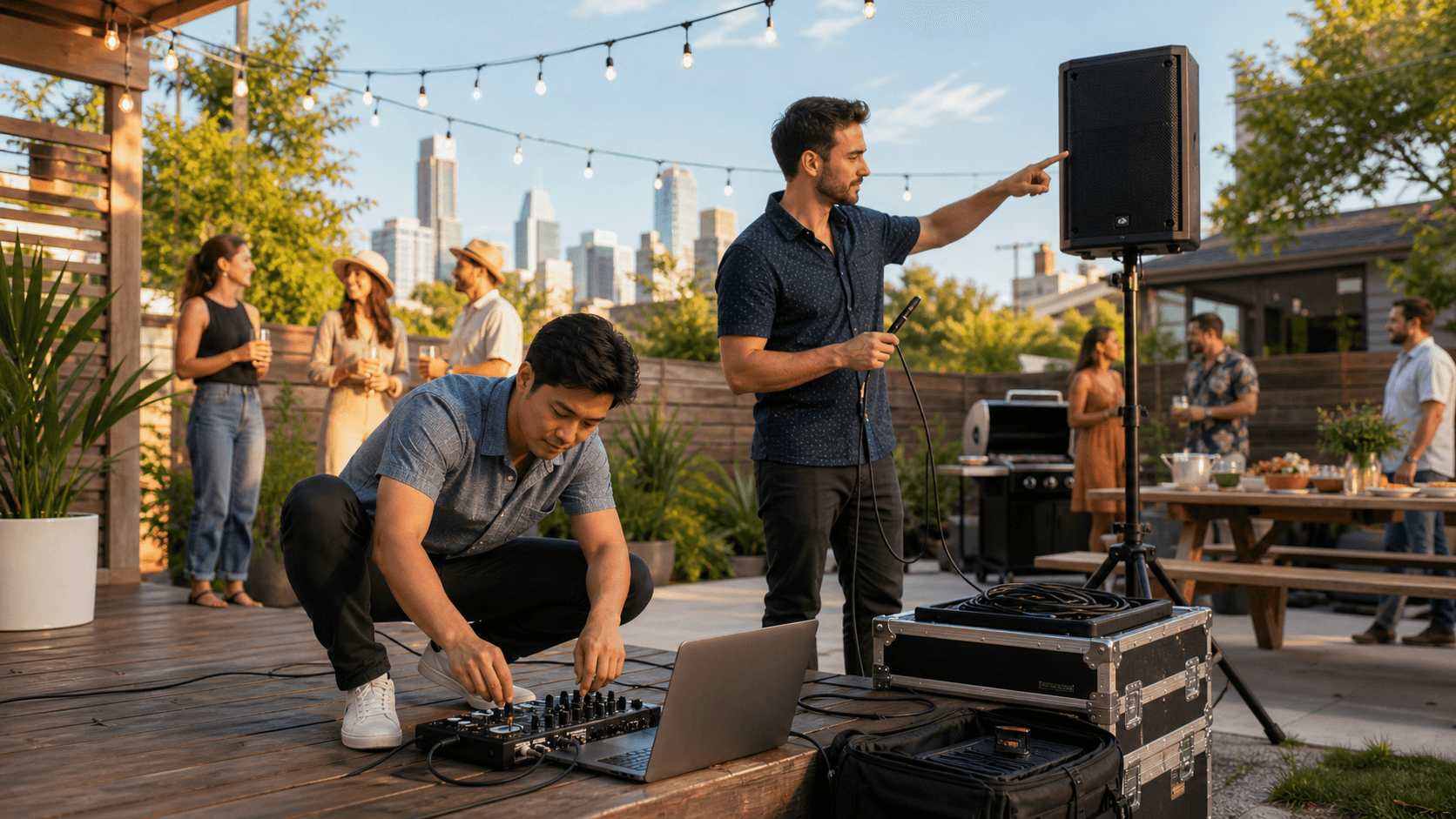
Speaker placement matters a lot:
- Put speakers on stands so sound travels over people's heads
- Aim speakers toward the main hangout area, not at fences or open sky
- Keep speakers a bit in front of where people are talking, not behind them
If your gear still feels too quiet, it may just be too small for the crowd and space. Small Bluetooth speakers are fine for a handful of friends on the patio, but they usually cannot cover a full backyard full of guests. At that point, renting a basic PA or working with a DJ is safer than pushing tiny speakers to the point of damage.
Mic Feedback, Awkward Speeches, and Neighbor Drama
That sharp screech from a microphone is called feedback, and it happens when the mic hears itself coming from the speaker and loops the sound. Outside, this often comes from holding the mic in front of the speakers or having the speakers too close.
Quick ways to cut feedback:
- Turn down the speaker that is facing the mic
- Stand behind the speakers when you talk, not in front
- Hold the mic close to your mouth, about a fist away
- Do not point the mic head directly at any speaker
Before guests arrive, test the mic where speeches will happen. Pick one volume that is clear and strong, then leave it there. Show the people giving toasts how close to hold the mic, and remind them not to cup the top. When the mic is not in use, mute it so it does not pick up side chatter or kids yelling by the pool.
Neighbors are another part of the sound puzzle. Austin lots can be tight, and sound carries farther than you think at night. To keep peace:
- Decide on a time when the party music will come down or switch to softer songs
- Aim speakers toward your house, not toward the neighbor's bedroom windows
- Keep the bass at a reasonable level, since low tones travel far
- Give neighbors a friendly heads-up if you know you will go later
If you have had noise complaints before, strict HOA rules, or close houses on all sides, it may be less stressful to have a pro control levels and keep an ear on how things sound off the property.
When DIY Is Enough and When to Call a Pro DJ
Not every backyard party needs a full DJ setup. For laid-back afternoons, kids' birthdays, or a casual cookout where music is more background than main event, a DIY setup can be just fine. With some care around cables, Bluetooth use, speaker placement, and mic habits, most small gatherings can sound much better and run with fewer surprises.
But there is a point where the risk and stress start to stack up. You may want professional help from mobile DJs in Austin if:
- You expect more than 30 or 40 guests
- The event is a big milestone like a wedding, major birthday, or company celebration
- You need multiple mics, special playlists, or dance floor lighting
- You have had past trouble with noise complaints, awkward silences, or gear failures
At Vibe & Vision Productions, we spend a lot of time helping Austin hosts avoid exactly these headaches. We handle the sound flow, keep mics clear, shape the music to match the mood, and pay attention to neighbors and noise rules so you can actually be present with your guests instead of babysitting the speakers.
Bring Your Next Austin Event To Life With Pro DJ Energy
If you are ready to turn your celebration into a packed dance floor, our team at Vibe & Vision Productions is here to help. Explore how our mobile DJs in Austin can tailor a soundtrack that fits your crowd, venue, and vision. Share a few details about your event and we will recommend a custom package that fits your needs and budget. Have questions or a date in mind already? Simply contact us to lock in your spot on our calendar.